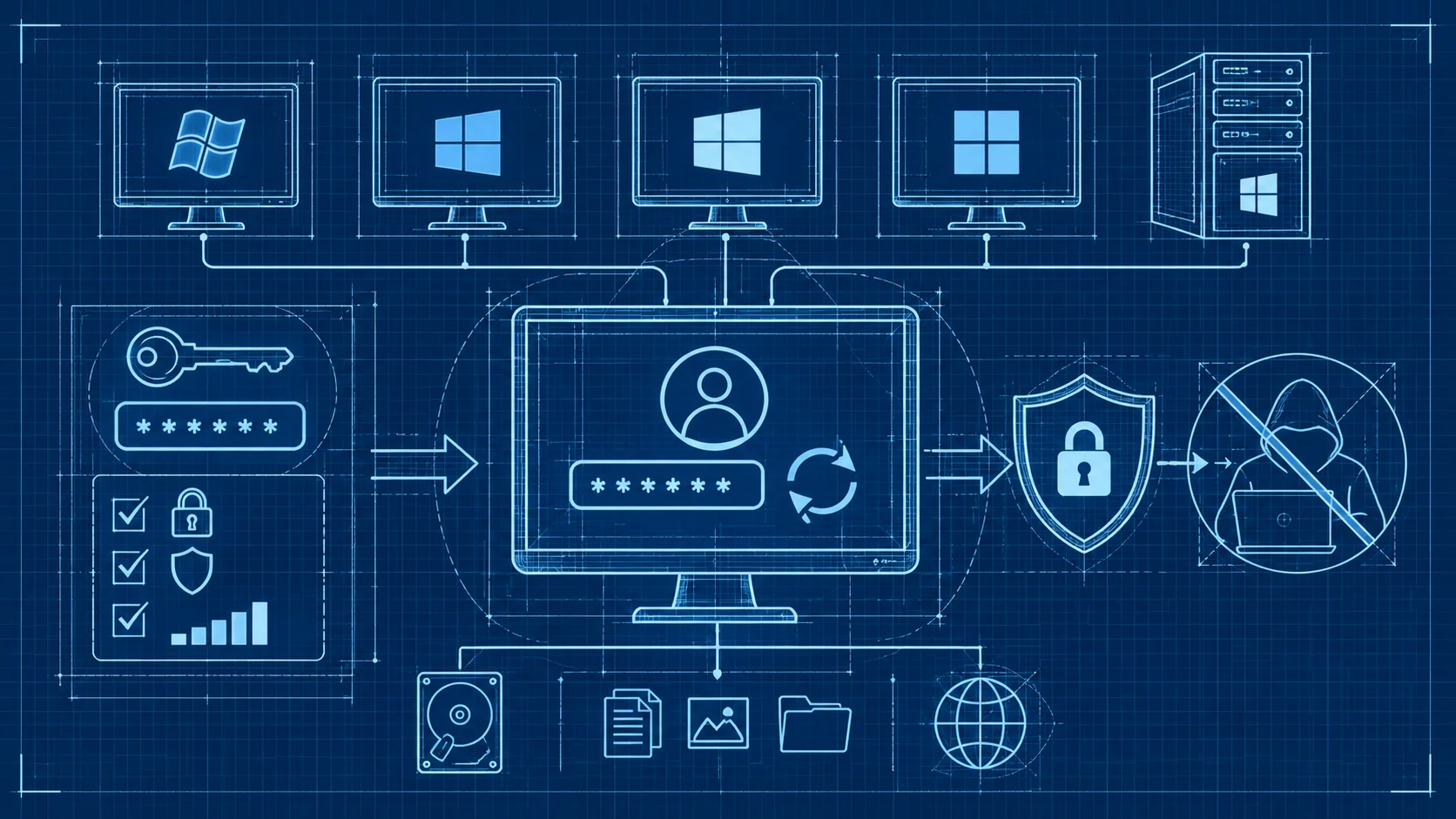
วิธีเปลี่ยนรหัสผ่าน Windows ทุกเวอร์ชัน ปลอดภัยจากแฮกเกอร์
เปลี่ยนรหัสผ่าน Windows 7 8 10 11 และ Server ได้ง่ายใน 3 นาที พร้อมเทคนิคตั้ง Password แข็งแกร่ง ป้องกันถูกแฮก อัปเดตล่าสุด 2026
เปลี่ยนรหัสผ่าน Windows อย่างไรให้ปลอดภัย ครบทุกเวอร์ชันในที่เดียว
หลายคนมักมองข้ามเรื่องการเปลี่ยนรหัสผ่าน Windows ทั้งที่จริงแล้วมันคือด่านแรกที่ป้องกันไม่ให้คนแปลกหน้าเข้าถึงข้อมูลสำคัญในเครื่องของเราได้ ไม่ว่าจะเป็นไฟล์งาน ภาพถ่ายส่วนตัว หรือรหัสผ่านที่บันทึกไว้ในเบราว์เซอร์ ทุกอย่างล้วนตกอยู่ในความเสี่ยงหากรหัสผ่านของเราอ่อนแอหรือไม่เคยเปลี่ยนเลย
บทความนี้จะพาคุณเปลี่ยนรหัสผ่าน Windows ทุกเวอร์ชันตั้งแต่ Windows 7 ไปจนถึง Windows 11 รวมถึง Windows Server สำหรับผู้ดูแลระบบที่ใช้งาน VPS หรือ Dedicated Server ของ DriteStudio ด้วย
วิธีเปลี่ยนรหัสผ่านบน Windows 10 และ Windows 11
เปลี่ยนผ่านหน้า Settings
วิธีนี้ง่ายที่สุดและเหมาะกับผู้ใช้ทั่วไป เริ่มต้นด้วยการกดปุ่ม Start แล้วเลือกไอคอนรูปเฟืองเพื่อเปิด Settings จากนั้นไปที่ Accounts แล้วเลือก Sign-in options คลิกที่ Password แล้วกด Change ระบบจะให้คุณใส่รหัสผ่านเดิมก่อน จากนั้นก็พิมพ์รหัสผ่านใหม่และยืนยันอีกครั้ง
เปลี่ยนผ่าน Ctrl+Alt+Delete
วิธีนี้เร็วกว่าสำหรับคนที่ชอบใช้คีย์ลัด แค่กด Ctrl+Alt+Delete พร้อมกัน แล้วเลือก Change a password จากเมนูที่โผล่ขึ้นมา ใช้ได้ทั้ง Windows Desktop และ Windows Server
เปลี่ยนผ่าน Command Prompt
สำหรับผู้ดูแลระบบหรือคนที่คุ้นเคยกับ Command Line ให้เปิด Command Prompt ในโหมด Administrator
:: เปลี่ยนรหัสผ่านของ User ที่ระบุ
net user username NewP@ssw0rd

:: ดูรายชื่อ User ทั้งหมดในเครื่อง
net user

:: ดูรายละเอียดของ User
net user username
วิธีนี้มีประโยชน์มากเวลาต้องเปลี่ยนรหัสผ่านให้หลายคน หรือเวลาเข้าเซิร์ฟเวอร์ผ่าน Remote Desktop
เปลี่ยนผ่าน PowerShell
PowerShell ให้ความยืดหยุ่นมากกว่า Command Prompt
# เปลี่ยนรหัสผ่านของ Local User
Set-LocalUser -Name "username" -Password (ConvertTo-SecureString "NewP@ssw0rd" -AsPlainText -Force)

# ดูรายชื่อ User ทั้งหมด
Get-LocalUser

# ดูรายละเอียดของ User พร้อมสถานะ
Get-LocalUser | Select-Object Name, Enabled, LastLogon
ใช้ WMIC (Windows Management Instrumentation)
:: ดูรายชื่อบัญชีผู้ใช้ทั้งหมด
wmic useraccount list brief

:: ดูสถานะบัญชีว่าถูก Disable หรือไม่
wmic useraccount where name='username' get name,disabled,status

:: เปลี่ยนรหัสผ่านผ่าน WMIC
wmic useraccount where name='username' set password='NewP@ssw0rd'
วิธีเปลี่ยนรหัสผ่านบน Windows 8 และ Windows 7
Windows 8 / 8.1
ใน Windows 8 ให้เลื่อนเมาส์ไปที่มุมขวาของหน้าจอเพื่อเปิด Charms Bar แล้วเลือก Settings ตามด้วย Change PC settings จากนั้นเข้าไปที่ Accounts แล้วเลือก Sign-in options คลิก Change ใต้หัวข้อ Password หรือใช้ Command Prompt แบบเดียวกัน
net user username NewP@ssw0rdWindows 7
สำหรับ Windows 7 ให้เปิด Control Panel เลือก User Accounts and Family Safety แล้วคลิก User Accounts จากนั้นเลือก Change your password ใส่รหัสเดิม ตั้งรหัสใหม่ ยืนยัน แล้วกด Change password
การจัดการรหัสผ่านผ่าน Active Directory
สำหรับ Domain Controller
ในองค์กรที่ใช้ Active Directory ผู้ดูแลระบบสามารถเปลี่ยนรหัสผ่านให้ผู้ใช้ผ่าน PowerShell ได้โดยตรง
# รีเซ็ตรหัสผ่านของ Domain User
Set-ADAccountPassword -Identity "username" -Reset -NewPassword (ConvertTo-SecureString "NewP@ssw0rd" -AsPlainText -Force)

# บังคับให้เปลี่ยนรหัสผ่านในครั้งถัดไปที่ Login
Set-ADUser -Identity "username" -ChangePasswordAtLogon $true

# ดูรายชื่อ User ที่รหัสผ่านหมดอายุ
Search-ADAccount -PasswordExpired | Select-Object Name, SamAccountName
เหมาะมากสำหรับองค์กรที่ใช้ Windows Server บน Colocation หรือ Hosting ของ DriteStudio
การตั้ง Password Policy
Active Directory ช่วยให้กำหนดนโยบายรหัสผ่านได้ ดูนโยบายปัจจุบันด้วยคำสั่ง
net accountsผลลัพธ์จะแสดงค่าต่าง ๆ เช่น ความยาวขั้นต่ำ อายุรหัสผ่าน และจำนวนครั้งที่ลองผิดได้
เทคนิคตั้งรหัสผ่านให้แข็งแกร่ง
รหัสผ่านที่ดีต้องมีอย่างน้อย 12 ตัวอักษร ผสมกันระหว่างตัวพิมพ์ใหญ่ พิมพ์เล็ก ตัวเลข และอักขระพิเศษ ลองใช้ Passphrase หรือวลียาว ๆ ที่จำง่ายแต่เดาได้ยากแทน และแนะนำให้ใช้ Password Manager เช่น Bitwarden, 1Password หรือ KeePass
ควรเปิด Multi-Factor Authentication (MFA) เพิ่มอีกชั้นหนึ่ง การรักษาความปลอดภัยแบบหลายชั้นเป็นสิ่งที่ DriteStudio แนะนำสำหรับทุกองค์กร
สิ่งที่ต้องระวังเมื่อเปลี่ยนรหัสผ่านบนเซิร์ฟเวอร์
ก่อนเปลี่ยนรหัสผ่านบนเซิร์ฟเวอร์ ตรวจสอบก่อนว่ามี Service ไหนที่ใช้บัญชีนั้นอยู่
# ตรวจสอบ Service ที่ใช้บัญชีนี้รัน
Get-WmiObject Win32_Service | Where-Object {$_.StartName -like "*username*"} | Select-Object Name, StartName, State

# ตรวจสอบ Scheduled Tasks ที่ใช้บัญชีนี้
Get-ScheduledTask | Where-Object {$_.Principal.UserId -like "*username*"} | Select-Object TaskName, State
ถ้าเปลี่ยนรหัสผ่านแล้ว Service เหล่านั้นอาจหยุดทำงาน ควรวางแผนเปลี่ยนในช่วงที่มีผู้ใช้งานน้อย
คำถามที่พบบ่อย (FAQ)
เปลี่ยนรหัสผ่าน Windows บ่อยแค่ไหนถึงจะดี?
แนะนำให้เปลี่ยนทุก 60-90 วัน สำหรับเซิร์ฟเวอร์ที่ให้บริการสาธารณะควรเปลี่ยนบ่อยกว่านี้ และเปลี่ยนทันทีหากสงสัยว่ารหัสผ่านอาจรั่วไหล
ลืมรหัสผ่าน Windows ทำอย่างไร?
สำหรับ Windows 10/11 ที่ใช้ Microsoft Account สามารถรีเซ็ตผ่านเว็บไซต์ Microsoft ได้ ส่วน Local Account สามารถใช้ Password Reset Disk หรือติดต่อผู้ดูแลระบบเพื่อรีเซ็ตผ่าน Command Prompt
รหัสผ่านแบบไหนที่แฮกเกอร์เดาได้ง่าย?
รหัสผ่านที่ใช้คำทั่วไป ชื่อ วันเกิด เบอร์โทร หรือรหัสผ่านสั้น ๆ เช่น 123456 หรือ password ล้วนเป็นรหัสที่โดนแฮกง่ายมาก ควรใช้ Passphrase ยาว ๆ ที่ผสมตัวอักษร ตัวเลข และอักขระพิเศษแทน
การเปลี่ยนรหัสผ่าน Windows เป็นเรื่องง่ายที่ใครก็ทำได้ แต่สำคัญมากต่อความปลอดภัยของข้อมูล ไม่ว่าจะใช้ Windows เวอร์ชันไหน ขอแค่ตั้งรหัสผ่านให้แข็งแกร่ง เปลี่ยนเป็นประจำ และเปิด MFA เพิ่มความปลอดภัย สำหรับองค์กรที่ต้องการเซิร์ฟเวอร์ที่ปลอดภัยและเสถียร DriteStudio มีบริการ VPS และ Dedicated Server ที่พร้อมรองรับทุกความต้องการ ติดต่อทีมงานเพื่อรับคำปรึกษาฟรีได้เลยวันนี้
DriteStudio
Digital infrastructure provider for VPS, web hosting, and colocation in Thailand
Operated by Craft Intertech (Thailand) Co., Ltd.