ติดตั้ง TensorFlow บน Ubuntu รองรับ CPU GPU ครบจบ
วิธีติดตั้ง TensorFlow บน Ubuntu ทั้งแบบ CPU และ GPU พร้อม CUDA cuDNN ทดสอบด้วย MNIST Dataset และ Best Practices สำหรับ Deep Learning
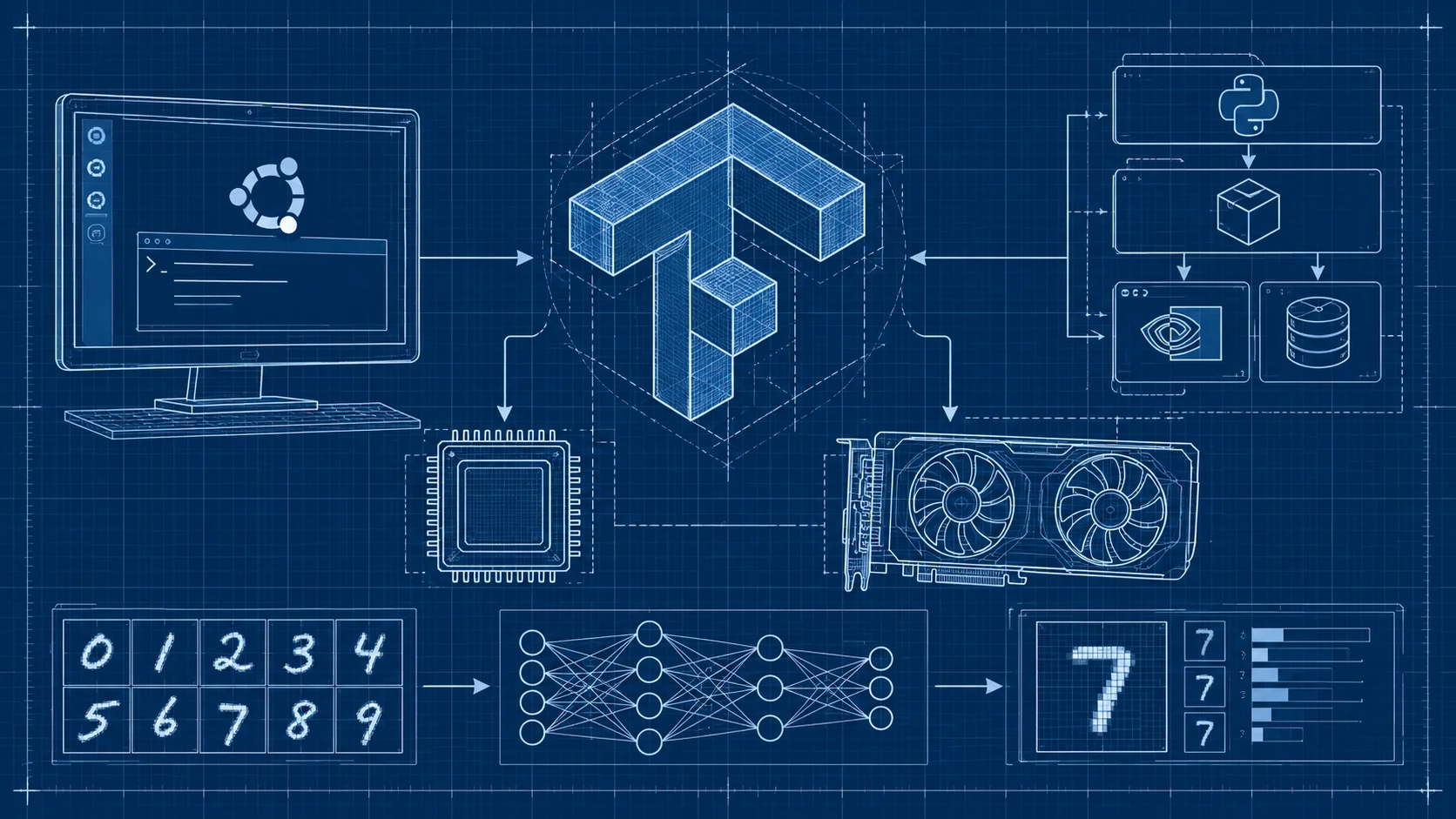
TensorFlow บน Ubuntu ติดตั้งอย่างไรให้ใช้งานได้ทั้ง CPU และ GPU
TensorFlow เป็น Open-source Machine Learning Framework จาก Google Brain ใช้สร้างและ Train โมเดล Deep Learning ทุกประเภท ตั้งแต่ Image Classification, NLP ไปจนถึง Recommendation Systems รองรับทั้ง CPU และ GPU ทำให้เป็นเครื่องมือยอดนิยมในวงการ AI ทั่วโลก
ทำไมต้อง TensorFlow
TensorFlow รองรับตั้งแต่ Prototype ไปจนถึง Production Scale มี Ecosystem ใหญ่ทั้ง TensorFlow Lite, TensorFlow.js, TensorFlow Serving รองรับ GPU Acceleration ผ่าน CUDA Train โมเดลได้เร็วขึ้นหลายเท่า Community ใหญ่มี Tutorial และ Pre-trained Model ให้เลือกใช้เยอะ
เตรียม Environment บน Ubuntu
ติดตั้ง Python และ Virtual Environment
TensorFlow แนะนำให้ใช้ผ่าน Virtual Environment เพื่อไม่ให้ Package ชนกัน
sudo apt update
sudo apt install python3 python3-pip python3-venv -y
python3 -m venv ~/tf-env
source ~/tf-env/bin/activate
pip install --upgrade pip
การใช้ Virtual Environment สำคัญมากเพราะ TensorFlow มี Dependency เยอะ ถ้าลงใน System Python ตรง ๆ อาจทำให้ Package อื่นพัง
ติดตั้ง TensorFlow
แบบ CPU Only
ถ้าเครื่องไม่มี GPU หรือต้องการทดลองก่อน
pip install tensorflowแบบ GPU Support
สำหรับคนที่มี NVIDIA GPU ต้องติดตั้ง Driver ก่อน
sudo apt install nvidia-driver-535Reboot แล้วเช็คว่า GPU ถูก Detect
nvidia-smiจากนั้นติดตั้ง TensorFlow พร้อม CUDA Dependencies
pip install tensorflow[and-cuda]คำสั่งนี้ติดตั้ง CUDA ให้อัตโนมัติ สะดวกกว่าลงแยกเยอะ
ติดตั้งผ่าน Conda
อีกทางเลือกคือ Conda ซึ่งจัดการ CUDA ให้อัตโนมัติ
conda create -n tf-gpu python=3.11
conda activate tf-gpu
conda install tensorflow-gpu
ข้อดีคือไม่ต้องลง CUDA กับ cuDNN เอง Conda จัดการ Version ที่เข้ากันได้ให้ทั้งหมด
ทดสอบการติดตั้ง
import tensorflow as tf
print("TensorFlow version:", tf.__version__)
print("GPU available:", tf.config.list_physical_devices('GPU'))
ถ้ามี GPU จะเห็นรายชื่อ GPU Device ถ้าลงแบบ CPU Only จะเห็น List ว่างเปล่า ซึ่งไม่ใช่ Error
ทดสอบด้วย MNIST
import tensorflow as tf

mnist = tf.keras.datasets.mnist
(x_train, y_train), (x_test, y_test) = mnist.load_data()
x_train, x_test = x_train / 255.0, x_test / 255.0

model = tf.keras.Sequential([
    tf.keras.layers.Flatten(input_shape=(28, 28)),
    tf.keras.layers.Dense(128, activation='relu'),
    tf.keras.layers.Dense(10, activation='softmax')
])

model.compile(optimizer='adam', loss='sparse_categorical_crossentropy', metrics=['accuracy'])
model.fit(x_train, y_train, epochs=3)
print("Test accuracy:", model.evaluate(x_test, y_test)[1])
ถ้ารันผ่านและเห็น Accuracy ประมาณ 97% ขึ้นไป ทุกอย่างเรียบร้อย
Best Practices
ใช้ Virtual Environment เสมอ ตรวจสอบ CUDA Compatibility ก่อนอัปเกรด TensorFlow ใช้ Mixed Precision Training เพิ่มความเร็วและลดการใช้ GPU Memory สำหรับ Production ควรใช้ TensorFlow Serving ในการ Deploy Model
คำถามที่พบบ่อย (FAQ)
TensorFlow กับ PyTorch เลือกตัวไหนดี?
TensorFlow เหมาะกับ Production มีเครื่องมือ Deploy ครบ PyTorch เหมาะกับ Research เขียนง่ายกว่า ทั้งคู่ดีทั้งนั้น ขึ้นอยู่กับว่าเน้นงานแบบไหน
ติดตั้ง TensorFlow แล้ว Import ไม่ได้ ทำอย่างไร?
ตรวจสอบว่า Activate Virtual Environment แล้วหรือยัง และ Python Version ตรงกับที่ TensorFlow รองรับ (Python 3.9-3.11)
ต้องมี GPU ถึงจะใช้ TensorFlow ได้ไหม?
ไม่จำเป็น TensorFlow ทำงานบน CPU ได้ แค่ช้ากว่า GPU สำหรับการเรียนรู้และทดลองใช้ CPU ก็เพียงพอ
สรุป
TensorFlow เป็นเครื่องมือทรงพลังสำหรับ Machine Learning บน Ubuntu ไม่ว่าจะเริ่มด้วย CPU หรือ GPU เต็มกำลัง สิ่งสำคัญคือจัดการ Environment ให้ดีและเลือก Version ที่เข้ากันได้
สำหรับคนที่ต้องการ Train โมเดล ML จริงจัง VPS ของ DriteStudio มีหลาย Spec เหมาะกับงาน Data Science ส่วนใครที่ต้องการ GPU Server สำหรับ Deep Learning เต็มรูปแบบ Dedicated Server ของ DriteStudio รองรับ Hardware ระดับสูงที่ตอบโจทย์ ติดต่อทีมงานได้เลย
DriteStudio
提供 VPS、虚拟主机与服务器托管服务的泰国数字基础设施服务商
由 Craft Intertech (Thailand) Co., Ltd. 运营